 El Coco
 You turn a YouTube channel into a website by writing one post from each good video's transcript, in your own voice, with the video embedded. It pays off when your videos answer questions people search for. Search engines and AI assistants read text, and a written page gives them something to rank and quote.
Why a channel needs written pages
Most business owners can talk about their work all day. Writing it down is where it stalls. A video already holds that talk: the opinions, the prices, the answers you give customers every day. Turning it into posts gets that knowledge onto your site without you sitting down to write. The same works for a recorded walkthrough or a voice note.
Without written pages, a channel is found mostly on YouTube, and the click goes to YouTube. Google's video SEO guide (updated December 2025) says a blog post that reviews an embedded video is not a watch page, and it can still rank as a regular text result. Your customers type questions. Your video titles are written for clicks on YouTube, so they rarely match those questions word for word. A written page can. It also gives ChatGPT and Copilot text to read, which we covered in getting found beyond Google.
You also own it. YouTube owns the channel page. Your website is yours, as long as the domain and hosting are in your name. If a video gets pulled, the embed breaks but the written post keeps working.
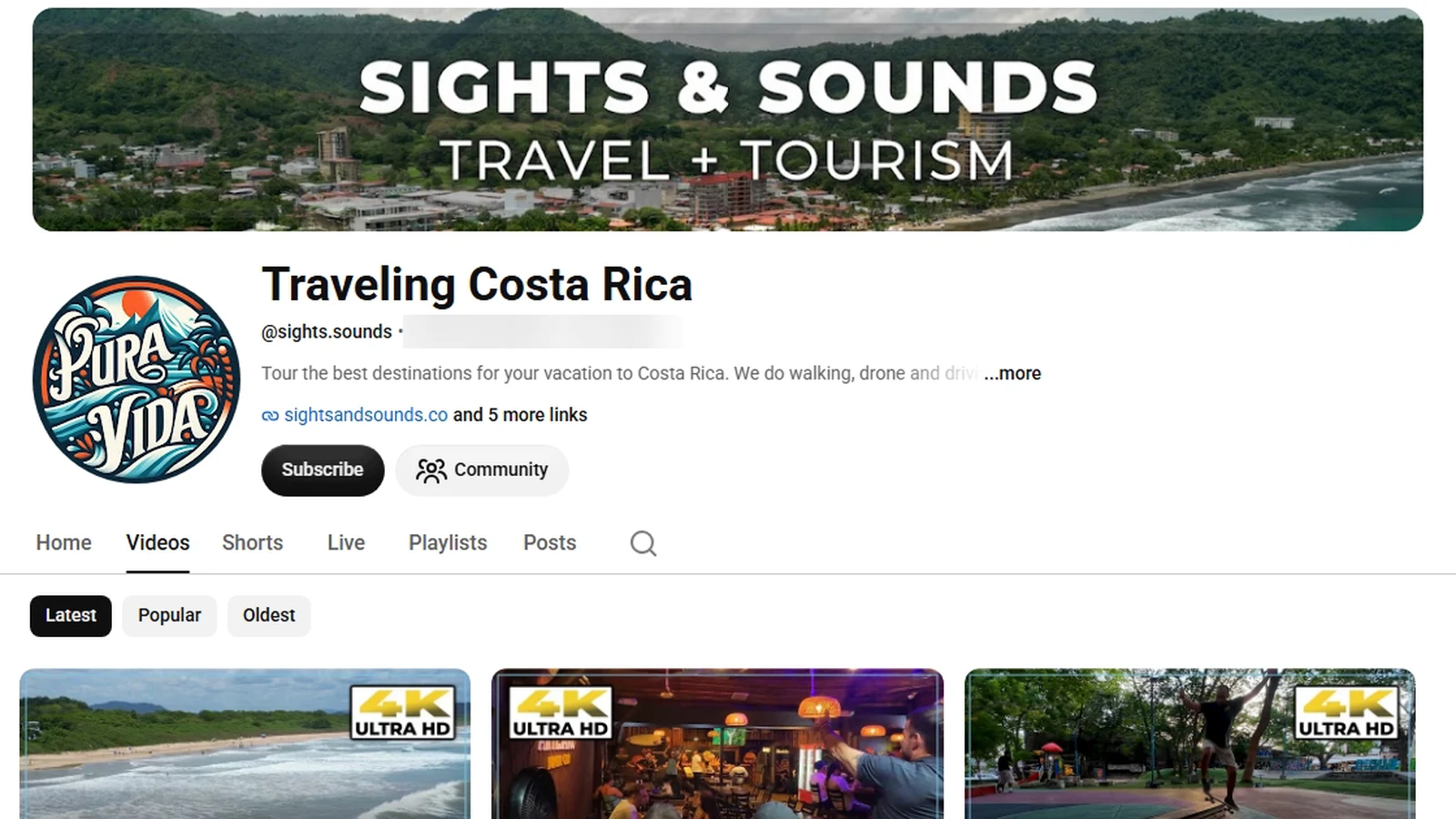
Here is what that looks like on Traveling Costa Rica, our own travel channel. Its blog, Sights & Sounds, turned one of those videos into a guide to Playa San Juanillo, a small beach on Guanacaste's Pacific coast. The post has directions, what to expect and the video embedded inside.
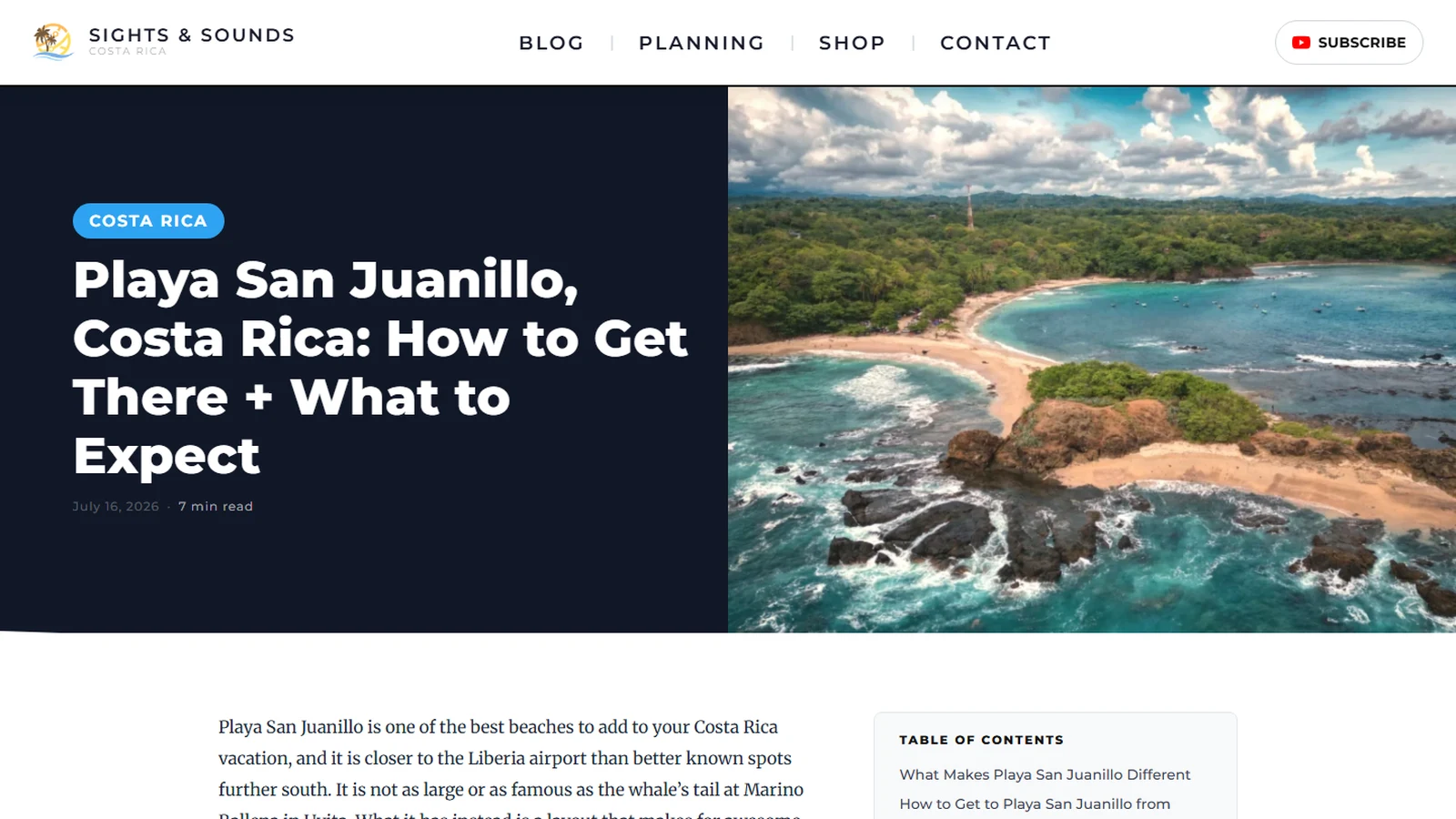
What a good conversion looks like
The transcript is raw material, not the post. Every transcript needs hand edits before it reads as good copy. Spoken sentences run long and lean on what is on screen. The post needs a title written for a search, headings a reader can scan and the filler taken out.
It also has to be checked. YouTube's help page on automatic captions says their quality varies, and that accents and background noise trip them up. On our fitness channel, the captions kept turning the host's on-camera name into "puppy". Place names are worse. Here is a real passage from the travel channel, a video about Playa Potrero, exactly as YouTube's captions wrote it:
"so here we are playa petraro restaurant here ... supply for traero extends right along here right under that mountain ... here in guanacaste around this time of year everything is burned down ... but over here looks pretty green looks like there's an estuary here maybe some mangrove situation"
The captions got the name right in the opening line. Then, as the walk went on, they spelled it petraro, traero and portero. Here is how we write that stretch for the page:
Playa Potrero runs along the bay right under the hill. In dry season most of Guanacaste turns brown, but this end of the beach stays green around a small estuary. There may be mangroves in there.
The place name is fixed. The season detail stays, because only someone standing there would notice it. So does his guess about the mangroves, still written as a guess.
That is why every post gets two manual checks. One is for accuracy: names, places and prices. The other is for the copy itself. A tool can flag a problem, but a person who knows the subject decides the fix.
The part most conversions lose is the voice. On camera the host of that channel says things like "Of all my traveling in Costa Rica, this is my favorite beach by far". He also says a tire shop has fixed his tires "in about 10 minutes" for "like four bucks". Lines like those go into the post nearly as spoken. They are the details nobody else can write.
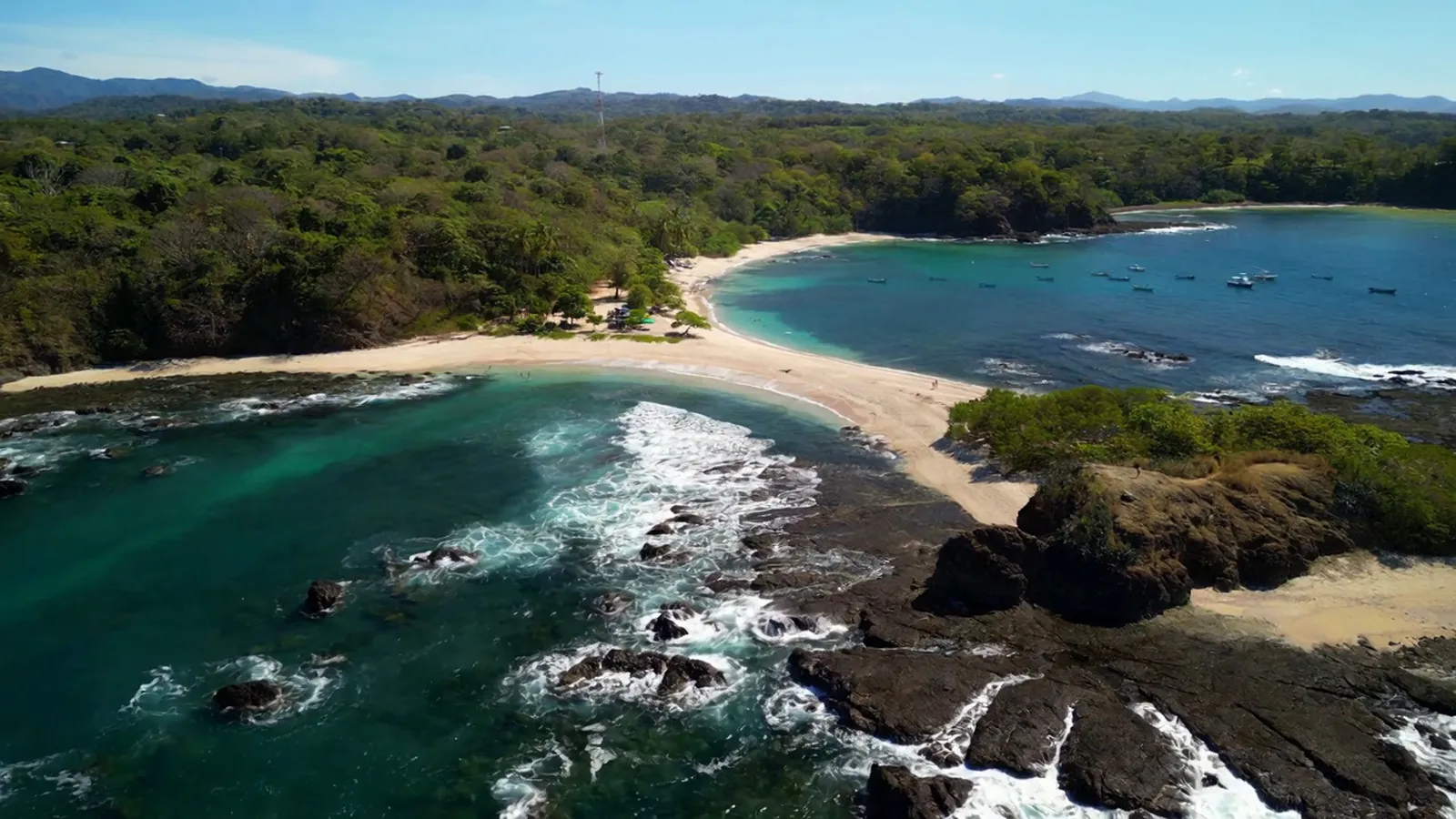
Finally, the page uses the footage itself. Embed the video in YouTube's privacy-enhanced mode, so a view on your site does not personalise the viewer's YouTube. Stills are pulled from the video for the top of the page and the section breaks, like the one above, so the post never needs stock photos.
How a video becomes a post
In order: pick the videos from search demand, pull the transcripts, map the host's voice, write, check the copy, build the page, publish. We built our own system for it, because a channel's whole value is that it sounds like one person.
From a video to a page that ranks
How we turn a channel into written posts, in the order it happens.
From the channel
- Pick the videosSearch demand decides which videos earn a page first.
- Pull the transcriptsStraight from YouTube. Our tools separate speech from background music.
- Map the voicePhrases you use across many videos, not just one.
Writing
- Write from the transcriptYour places, prices and opinions, in your words.
- Check it twiceOur copy checker first, then a person: once for accuracy, once for the writing.
The page
- Build itVideo embedded, stills from the footage, FAQ and video markup.
- Publish and pingSitemap, Search Console, and IndexNow for Bing.
El Coco Media's own process.
It starts with search. We check what people search for around your topic, then pick the videos that answer it. Not every video earns a page. A walk down a beach road with no destination rarely does. A video about one beach, one market or one product usually does.
Then we pull the transcripts and map your voice. Our tool looks for phrases you use across many videos, because a phrase said in one video is just the topic and a phrase said in thirty is how you talk. Captions also transcribe background music as if someone were speaking. Our tools tell the two apart, so a song that plays under many videos stays out of your voice map.
The writing is held to that map, and every draft runs through a copy checker we wrote. It flags filler phrases, sentences chained together with dashes and anything above about a grade 7 reading level. Then the page is built with the video, the stills, an FAQ and the markup Google uses to understand video. When it goes live, the sitemap updates and Bing is told as part of the publish.
What to ask before you hire someone
- Will you write a sample from one of my own videos first?
- Who reads each post for caption errors before it goes live, and do I approve it?
- How do you choose which videos get a page?
- Is the embed in privacy-enhanced mode?
- Are the domain, the hosting and the posts in my name if we stop working together?
The last question matters most. A provider who keeps the site in their own account holds your content hostage, as our website care plans guide explains.
Your options, and when not to hire it out
- Do it yourself. It costs nothing but time. Every post is an edit job, caption errors included, and it suits someone who likes writing and posts rarely.
- An automatic converter is fast and cheap. It writes in a generic voice and keeps the caption mistakes. Google's spam policies (updated August 2026) also warn about many pages made at scale without adding value, however they were produced.
- Hiring it out costs money. It makes sense with a backlog of videos that answer real questions, or no time to write. A video that is mostly drone footage over music leaves little to write from, so that post leans on the footage and a short guide.
We would tell a channel of wandering vlogs with no single topic per video to wait.
If you are building a site anyway, the posts can launch with it, so the site has real pages on day one. If you already have a site, we can add the posts to it and keep adding them as new videos go up. The price depends on how many videos you have and how often you post.
Questions about turning videos into posts
Can I just publish the YouTube transcript?
You can, but it reads like a transcript. It is long, repetitive and full of caption errors. Google's helpful-content guidance (updated October 2026) asks for pages made to help people, and a raw transcript rarely is one. Use it as the source and write the post from it.
Will a blog post take views away from my channel?
Usually not, if the video is embedded in the post. Plays on your site still happen through YouTube, and your YouTube Analytics shows them in its external sites or apps report.
How does the video actually go on the page?
With YouTube's embed code, switched to the youtube-nocookie.com address for privacy-enhanced mode. The video still streams from YouTube, so nothing heavy sits on your server. The page also carries the video markup Google reads: the title, a thumbnail and the upload date.
Do I need a new website for this?
No. If you have a site you can edit and it is in your name, the posts can go there. If it is slow or hard to update, fix that first.